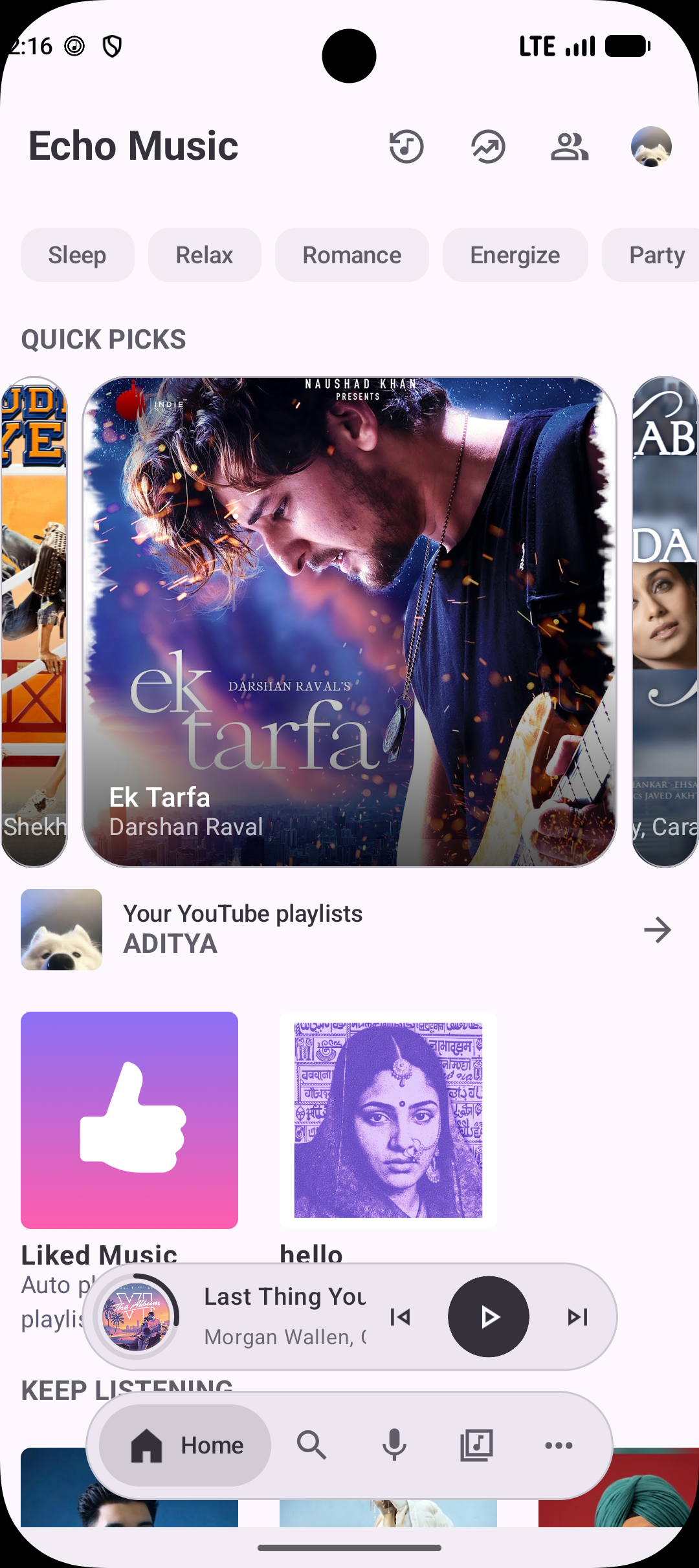
Enjoy the Music

Completely Adfree

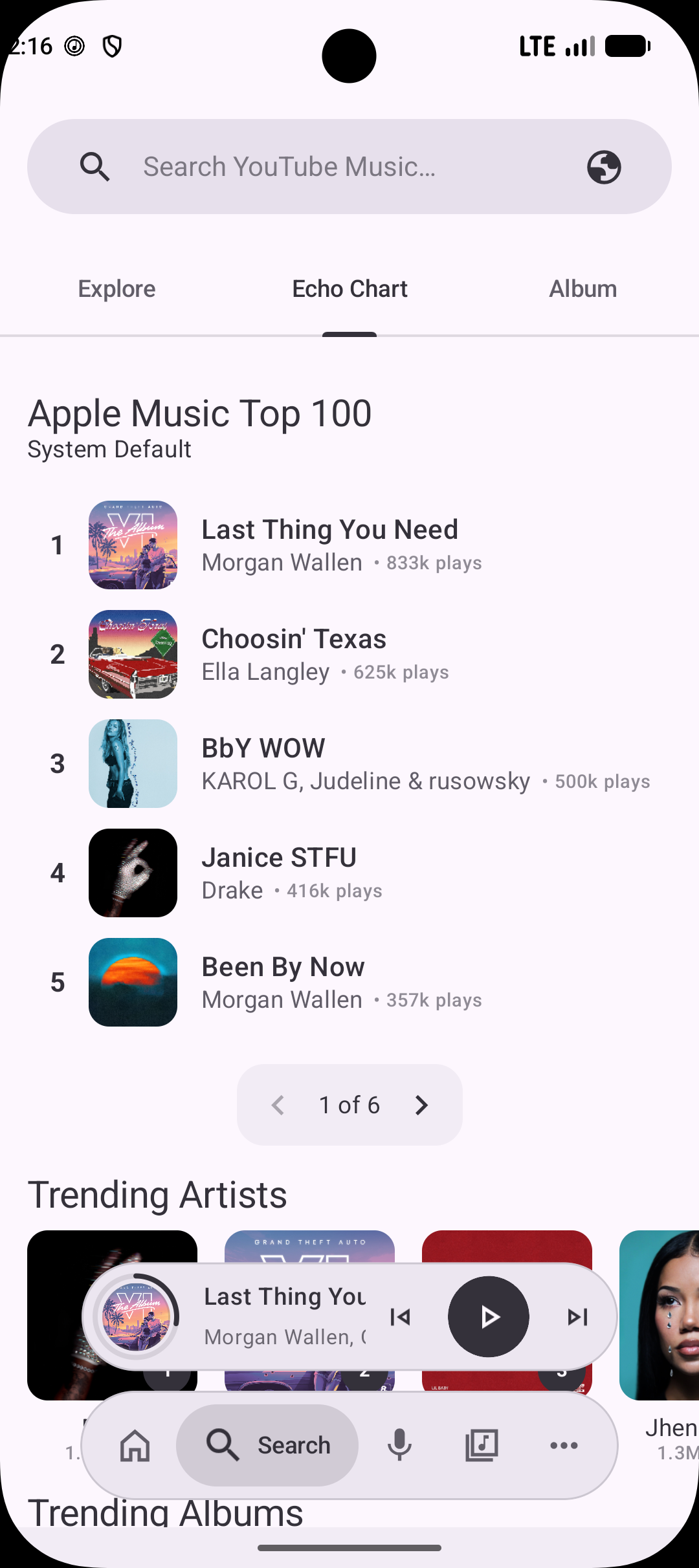
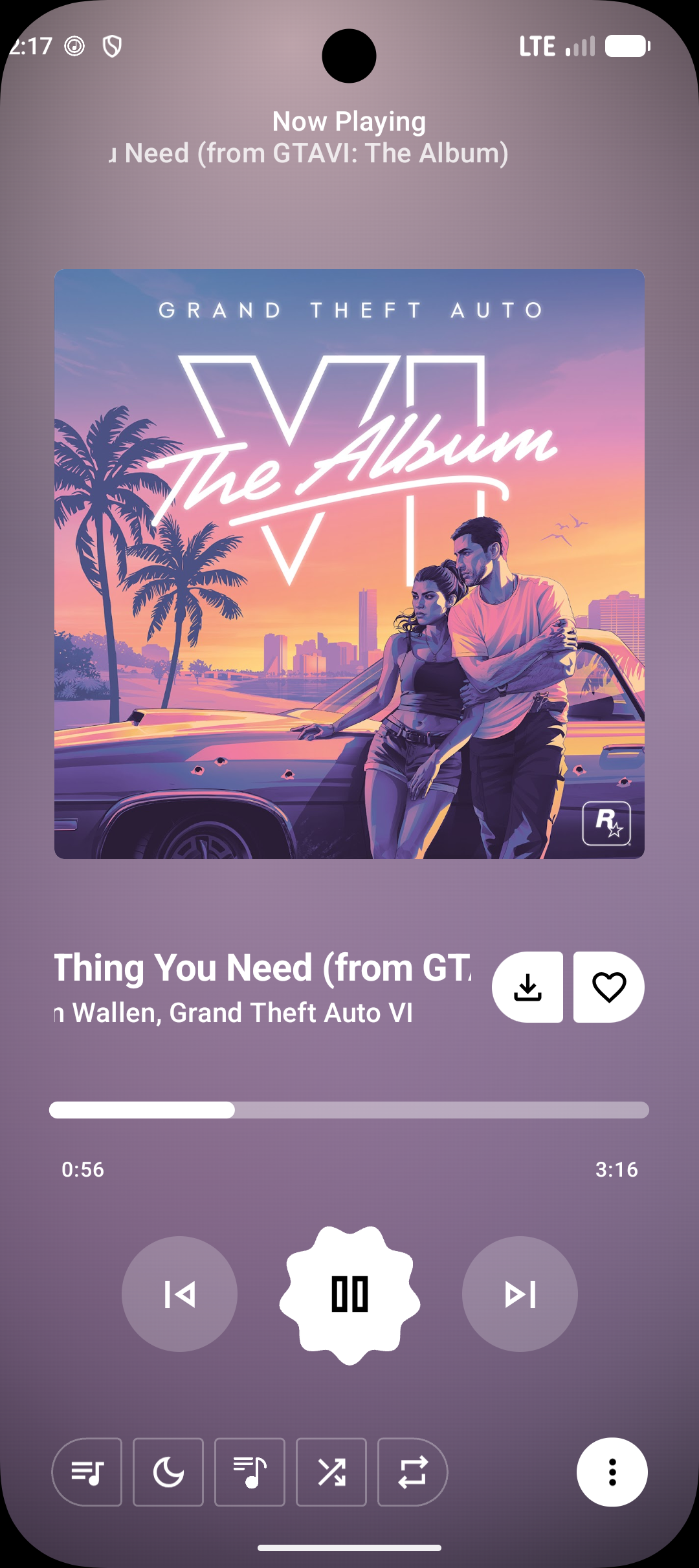
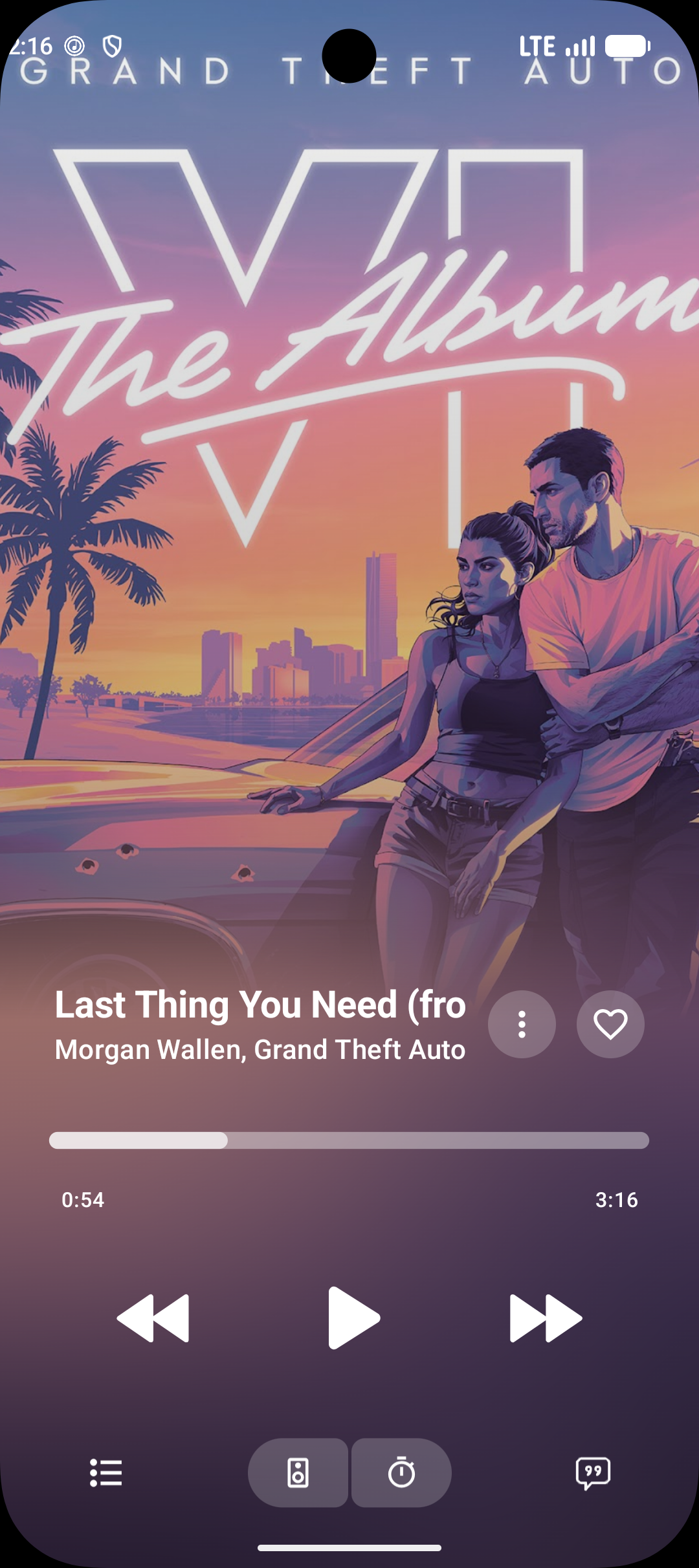
Echo App Screenshot 1 Echo App Screenshot 2 Echo App Screenshot 3 Echo App Screenshot 4 Echo App Screenshot 5

Why Choose Echo Music?

Experience music like never before with our powerful features

Getting Started

Import from Spotify

Bring your playlists and tracks over with ease.

Podcast Support

Listen to podcasts alongside your music library.

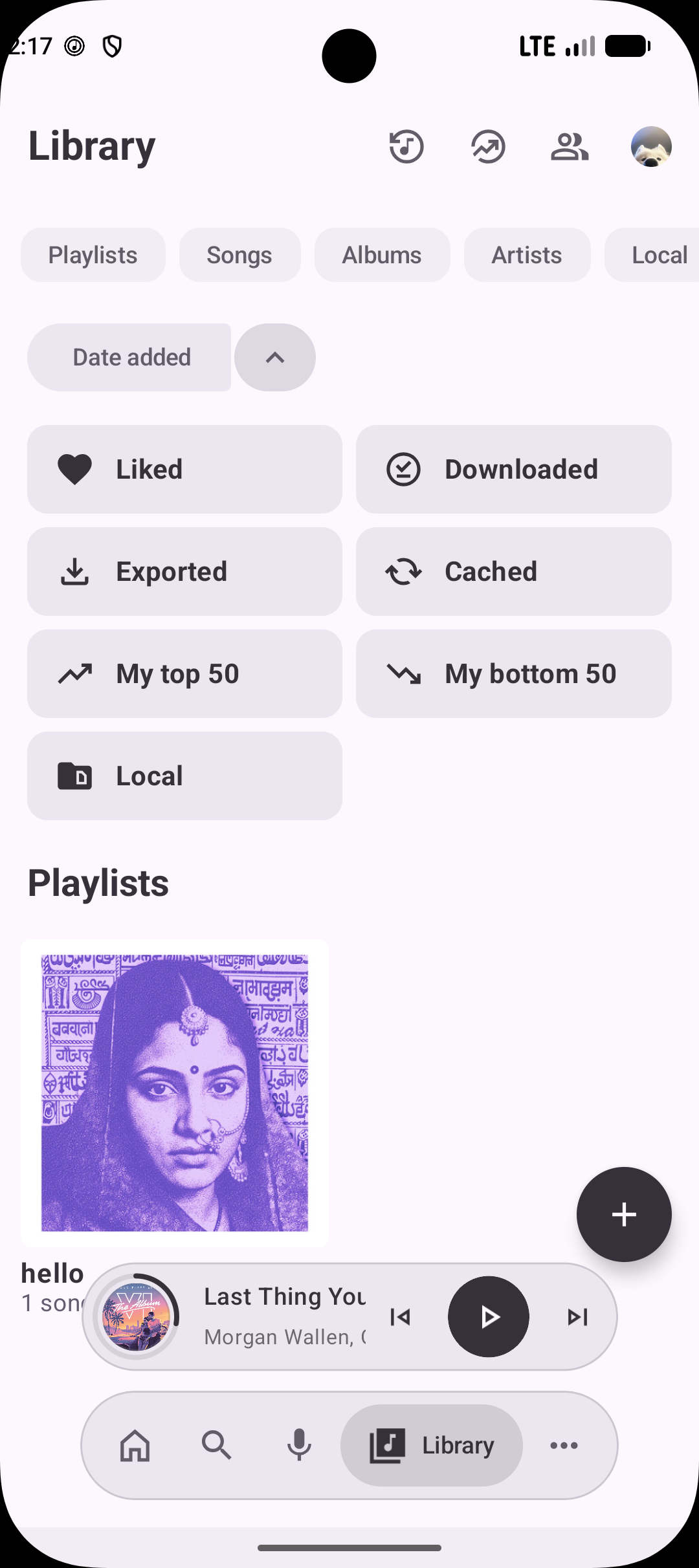
Local Media Support

Play music stored directly on your device.

Auto Data Migration

Seamlessly move existing app data to the new version.

Android Dynamic Island

Enhanced playback notifications on supported devices.

Streaming & Playback

Ad-Free

Stream without interruptions.

Seamless Playback

Switch effortlessly between audio-only and video modes.

Background Playback

Listen while using other apps or with the screen off.

Offline Mode

Download tracks, albums, and playlists via a dedicated download manager.

Crossfade

Smooth transitions between tracks.

Canvas Animations

Visual animations while playing music.

Vertical Ambient Mode

Immersive ambient visuals during playback.

Discovery & Echo Find

Echo Find

Identify songs playing around you using advanced audio recognition.

Smart Recommendations

Personalized suggestions based on your listening history.

Comprehensive Browsing

Explore Charts, Podcasts, Moods, and Genres.

Lyrics

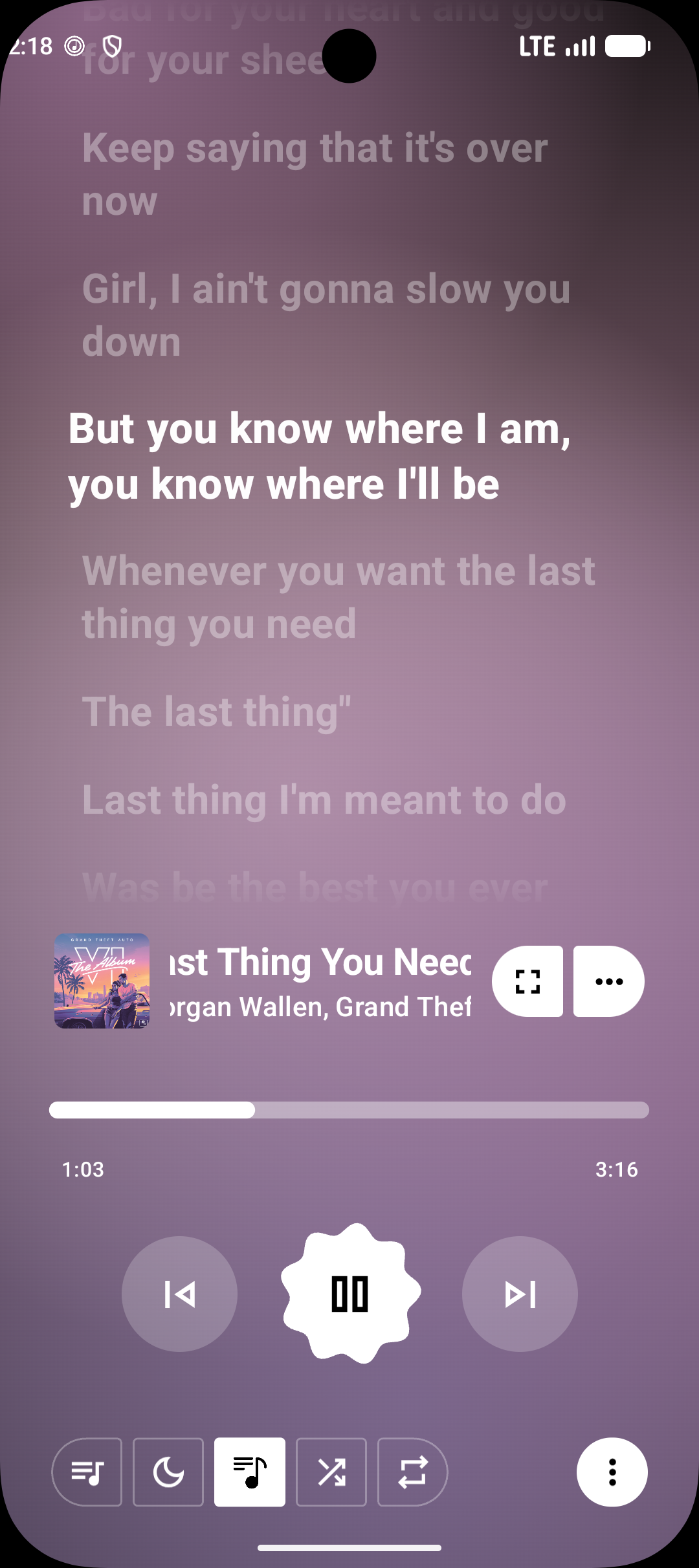
Multiple Lyrics Animations

Choose from various lyric display styles.

Word-by-Word Lyrics

Precise per-word synchronization.

Lyrics+

New lyrics provider for improved accuracy and coverage.

AI Lyrics Translation

Built-in Google Translate integration for any language.

Integrations

Discord Integration

Show what you're listening to on Discord.

Last.fm Integration

Scrobble your plays automatically.

Music Sharing via Odesli

Share songs as Song.link for cross-platform listening.

Set as Ringtone

Directly set any song as your device ringtone.

Smart Playback

Pause on Mute

Auto-pause when your device is muted.

Resume on Bluetooth Connect

Playback resumes when buds or headphones reconnect.

Keep Screen On

Prevent screen sleep while music is playing.

TTS Song Announcements

Hear the song title and artist read aloud on track change.

Music Haptics

Tactile vibration feedback synced to the beat.

Customization

UI Density Scale

Adjust interface spacing to your preference.

High Refresh Rate Support

Smoother UI and animations on supported displays.

Hide Player Thumbnail

Keep the player minimal without album art.

Crop Album Art

Adjust album art display to fit your style.

Hide Video Songs

Filter out video content from your feed.

Hide YouTube Shorts

Keep Shorts out of your music browsing.

Frequently Asked Questions

Everything you need to know about Echo Music

Is Echo Music really free?

+

Yes! Echo Music is completely free and open-source. Download Echo Music APK without any subscription fees, premium tiers, or hidden costs. Echo Music offers unlimited music streaming without any restrictions - completely free Echo Music app.

Is Echo Music APK safe to download?

+

Echo Music APK files are completely safe and built from open-source code. Download Echo Music from official GitHub releases where the source code is publicly available for review. Echo Music is a trusted music streaming app with no malicious code.

Do I need a YouTube Music subscription?

+

No! Echo Music streams music directly from YouTube Music's free tier. You don't need any paid subscriptions to use the app. The app bypasses ads and provides additional features like offline playback and synced lyrics.

What Android versions are supported?

+

Echo Music supports Android 5.0 (API level 21) and above. This covers most Android devices from 2014 onwards. The app is optimized for modern Android versions but maintains compatibility with older devices.

Can I download music for offline listening?

+

Yes! Echo Music supports offline playback. You can download songs, albums, and playlists to listen without an internet connection. Downloaded content is stored locally on your device and can be managed through the app's download manager.

How do I report bugs or request features?

+

You can report bugs and request features through our GitHub Issues page to create new issues for bug reports and feature requests.

Can I contribute to Echo Music development?

+

Absolutely! Echo Music is open-source and welcomes contributions. You can contribute by fixing bugs, adding features, improving documentation, or helping with translations. Check out our GitHub repository for more information on how to get started.

Echo Music Background